
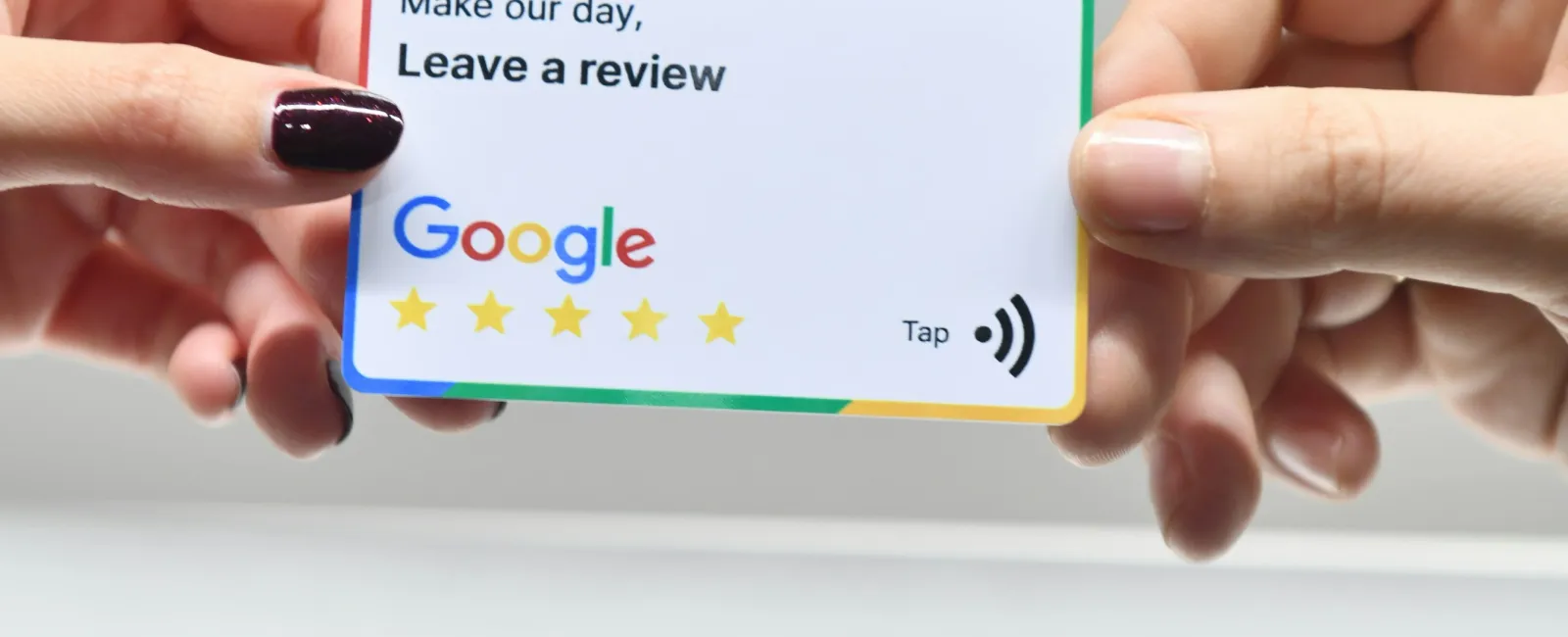
Google reviews are the most powerful marketing tool most contractors aren't using well enough. They affect whether you show up in search results, whether customers trust you, and ultimately whether someone calls you or your competitor.
If you have fewer than 50 Google reviews, you're leaving money on the table. Here's how to build a review generation system that runs on autopilot.
Why Google Reviews Matter So Much
Reviews impact your business in three ways:
Rankings. Google uses reviews as a major ranking factor for local search. Businesses with more reviews and higher ratings are more likely to appear in the Map Pack - the top three local results.
Trust. 93% of consumers say online reviews influence their purchasing decisions. For home services, where customers are inviting strangers into their homes, reviews are everything.
Conversion. A business with 4.8 stars and 150 reviews will get significantly more calls than one with 4.2 stars and 12 reviews - even if the 4.2-star business does better work.
The Biggest Mistake: Not Asking
Most contractors assume that happy customers will leave reviews on their own. They won't. Fewer than 10% of satisfied customers leave a review without being asked.
You have to ask. Every single time. It's not pushy - it's professional. You just completed work in someone's home and made their life better. Asking for a review is simply asking them to share that experience.
Build a Simple Review System
The best review systems are simple enough that your entire team can follow them without thinking. Here's a framework that works:
Step 1: Ask in Person
At the end of every job, have the technician or project manager say something like:
"We really appreciate your business. If you were happy with the work, it would mean a lot if you could leave us a quick Google review. I'm going to text you a link to make it easy."
That's it. No awkward pitch. Just a genuine request.
Step 2: Send the Link Immediately
Within 30 minutes of the job finishing, text the customer a direct link to your Google review page. Not your Google Business Profile page - the actual review form that opens when they click.
To get your direct review link:
- Search for your business on Google.
- Click "Write a Review."
- Copy the URL from that page.
Or use the short link Google provides in your Business Profile dashboard under "Ask for Reviews."
Step 3: Follow Up Once
If the customer hasn't left a review within 48 hours, send one follow-up text:
"Hi [Name], just following up - if you have a minute, we'd really appreciate a Google review. Here's the link: [link]. Thanks again for choosing us!"
One follow-up is enough. Don't pester people.
Step 4: Respond to Every Review
Respond to every single review - positive and negative.
For positive reviews, keep it personal: "Thanks [Name]! We're glad the new water heater is working great. Appreciate you choosing us."
For negative reviews, stay professional: "Hi [Name], we're sorry to hear about your experience. We'd like to make this right - please call us at [number] so we can discuss."
Responding to reviews shows potential customers that you care and signals to Google that you're an active, engaged business.
How to Handle Negative Reviews
Negative reviews happen. How you handle them matters more than the review itself.
Rules for responding to negative reviews:
- Respond quickly. Within 24 hours if possible.
- Don't get defensive. Even if the review is unfair, arguing publicly makes you look bad.
- Acknowledge the issue. "We understand your frustration and take this seriously."
- Take it offline. "Please call us at [number] so we can resolve this directly."
- Follow up. If you resolve the issue, the customer may update or remove the review.
One or two negative reviews among dozens of positive ones actually make your profile look more authentic. A business with only 5-star reviews can seem suspicious.
What Not to Do
Some contractors try to shortcut the review process. These tactics backfire:
- Don't buy fake reviews. Google's algorithm detects them and may penalize your profile.
- Don't offer discounts for reviews. It violates Google's terms of service and can result in reviews being removed.
- Don't gate reviews (only sending review links to customers you think will leave positive ones). Google doesn't allow this practice.
- Don't ask all your friends and family to leave reviews at once. A sudden spike of reviews from people who weren't customers looks suspicious.
Setting Review Goals
Here are reasonable milestones for home service businesses:
- Under 25 reviews: You're in the danger zone. Prioritize getting to 25+ as fast as possible.
- 25-50 reviews: You're competitive but not dominant. Keep the momentum going.
- 50-100 reviews: You're in a strong position in most markets.
- 100+ reviews: You're a local authority. Maintain consistency - 5-10 new reviews per month.
Make It Part of Your Culture
The businesses with the most reviews don't rely on one person to handle it. Review generation is baked into their operations.
- Train every team member to ask for reviews.
- Include the review ask in your job completion checklist.
- Track reviews weekly and celebrate milestones.
- Make it as routine as collecting payment.
The Compounding Effect
Every review you get makes the next one easier. More reviews mean higher rankings, which mean more customers, which mean more opportunities for reviews.
Over time, this compounding effect gives you a massive advantage over competitors who never built a review system. It's one of the highest-ROI marketing activities any contractor can do - and it costs nothing but consistency.
Want a Complete Online Presence That Turns Reviews Into Revenue?
Reviews are one piece of the puzzle. RedBrick helps home service businesses connect the dots between reviews, Google rankings, and a website that converts - so every 5-star review drives even more leads.


